Turn Your Agent Conversations Into Videos With an AI Video Plugin
Creating videos used to mean a timeline, a camera, and a long afternoon in editing software. Browser tools later made it possible to type a script and get a clip with an avatar or a template. That helped. It also created a new gap: the brief already lives in the AI agent you use all day, and the generator lives on another website.
If you write product notes, campaign angles, or lesson outlines in Codex, Cursor, or Claude Code, pasting that thread into a blank homepage is how details drop out. An AI video plugin is built for that handoff. It sits inside the agent. The agent keeps the intent. A canvas handles generation, layout, and finish so chat history is not treated as the studio.
This article walks through what that plugin is, how it differs from a typical text-to-video website, and how to use it for everyday content — marketing spots, explainers, and short campaigns — without starting from zero every time.
What an AI video plugin actually is
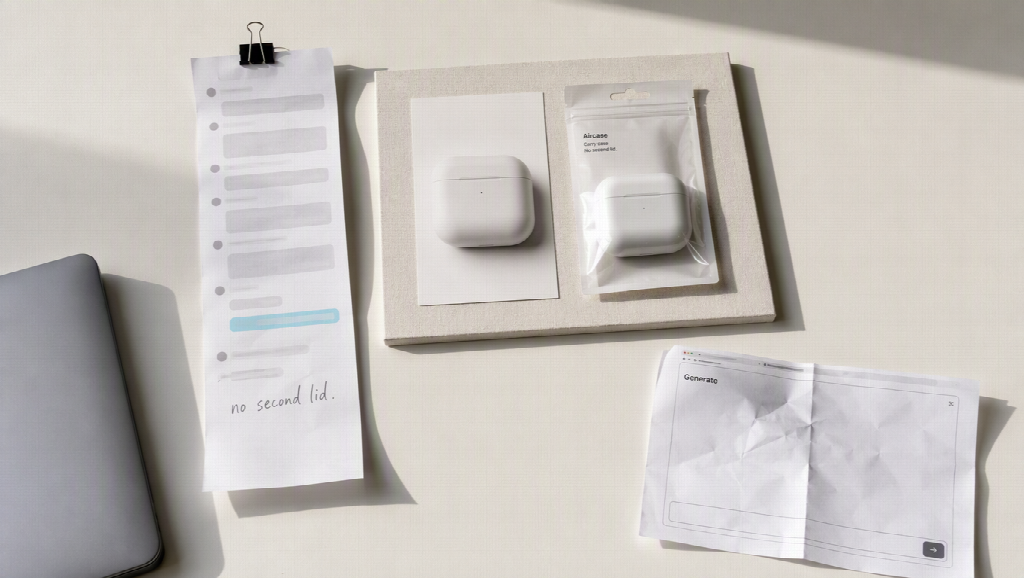
A plugin in this sense is not a fourth video model, and it is not a Chrome add-on. It is a production workspace the agent can call. You describe the job in the same conversation where the SKU, the stills, and the “do not invent a second lid” note already exist. The plugin then places assets on a canvas, runs image or video tools, and keeps approved references attached for the next shot.
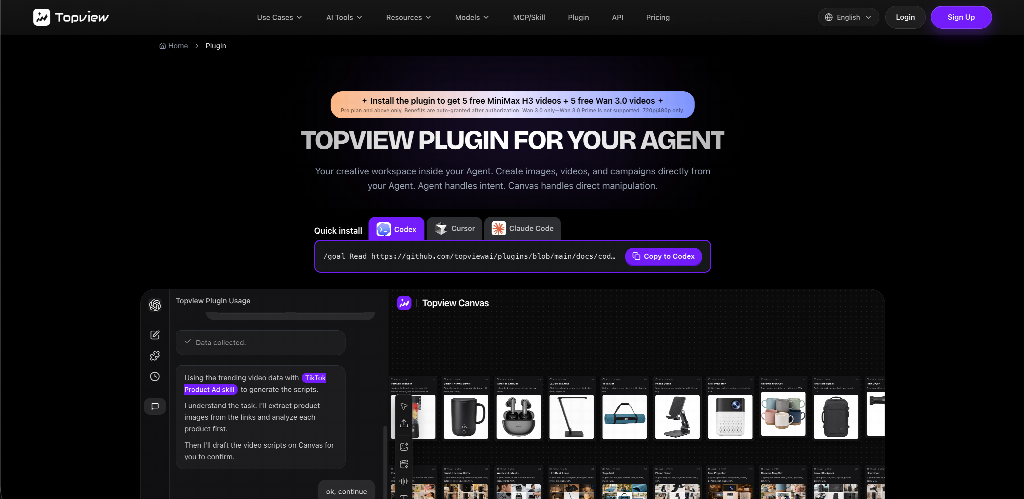
Topview ships one of these for coding agents. After install and authorization, the agent can create images, video, and campaign pieces, then keep them on a board you can inspect. Ready-made video skills cover jobs people actually buy — product ads, problem-solution spots, and short campaign formats — instead of forcing every request to start as a blank prompt.
The models behind the canvas stay generation engines. When the beat needs a longer multimodal clip with product stills attached, that lane can be Seedance 2.5 — typically on the order of 4–30 seconds at 1080p-class export, not a 4K-native claim. The plugin is the connection, not a rival to the model.
How this differs from “type a script, pick an avatar”
Web text-to-video tools are useful when the deliverable is a presenter reading a paragraph. You enter text, choose a style, and download. No install, no camera.
A plugin for agents is for a different starting point. The script, the product photo, and the channel already sit in the agent. You do not rebuild that context in a second login. You also get a board: takes sit next to the brief, so the next SKU does not require hunting through a downloads folder.
Use the website when you only have a paragraph and want a talking clip. Use a plugin when the agent already understands the job and you need images, motion, and a place to finish the set.
How to use it from the agent
The usual path is three steps. The exact install line lives on the plugin page for Codex, Cursor, or Claude Code — copy that, do not invent a command.
1. Install and authorize. Paste the official install prompt into the agent. Finish OAuth. Codex and Claude Code typically set up a new task; Cursor follows a documented restart handoff. Until that succeeds, the agent cannot call the workspace.
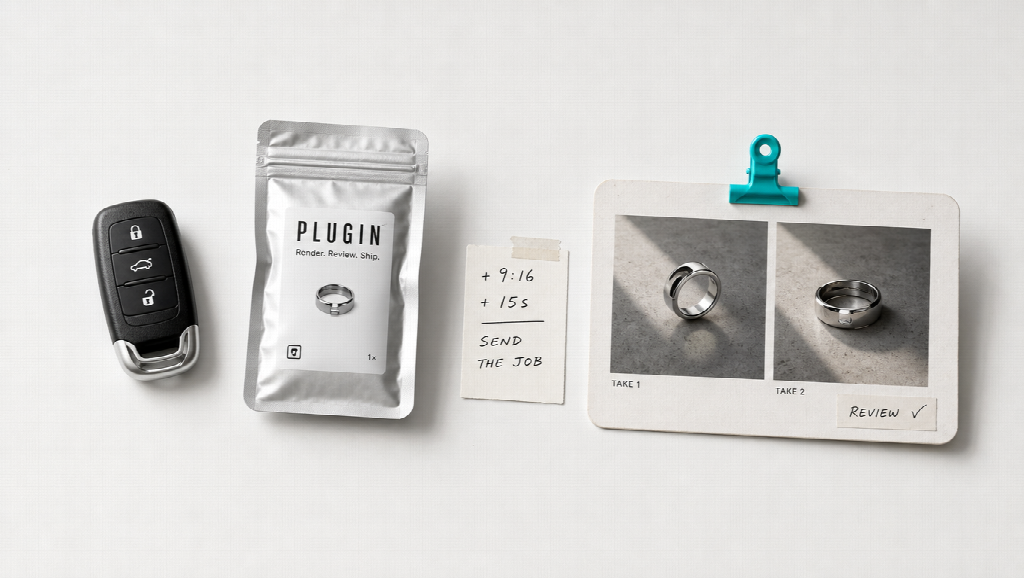
2. Send the job with the assets you already have. Product photos, a short brief, duration, and aspect ratio belong in the same message. “Make it cinematic” is weaker than “15 seconds, 9:16, this packshot, no extra logo.” If the agent already discussed the product earlier in the thread, that context can travel with the request.
3. Review on the board, then export. Check labels, colours, and whether the object still matches the still you approved. Trim or rearrange if needed. Chat is for intent. The board is for the file you will actually publish.
You do not need a new department. You do need the stills you have the right to use, and a human pass before a listing goes live.
What you can make with it
Product introductions. Animate an approved packshot instead of filming a new tabletop setup for every channel.
Short ads. Attach the SKU stills and ask for a vertical spot. Skills for product ads and pain-point style spots exist so you are not inventing a format from adjectives.
Explainers and internal clips. Educators and operators can turn a written outline into a visual beat, then keep versions on the same board.
Batch catalogue work. When the agent already knows the SKU names, asking for a set of short clips is closer to a pipeline than to a one-off novelty.
Lookups from public commerce sources can help a script follow what is selling. They do not replace a real customer, a compliance recording, or a mechanical demo that must be filmed.
Why this workflow holds up
It keeps the brief and the output in one place. It is built for mixed media — stills, video, and campaign pieces — not only avatar readouts. It does not pretend that generated motion is proof of how a hinge or a latch works. Review still belongs in front of publish.
It is also not a free browser toy and not a substitute for a full editor when captions, colour, and a poster frame are the last mile. Treat credits like studio time.

Final thoughts
AI video is no longer only “paste a paragraph, pick a face.” For people who already work in an agent, the missing piece is a workspace that agent can drive. Install the plugin, keep the kit attached, and let the workspace hold the takes. The question is no longer whether software can make a clip. It is whether the next one still starts by leaving the conversation you already had.