
The New Standard For Turning Still Images Into Motion
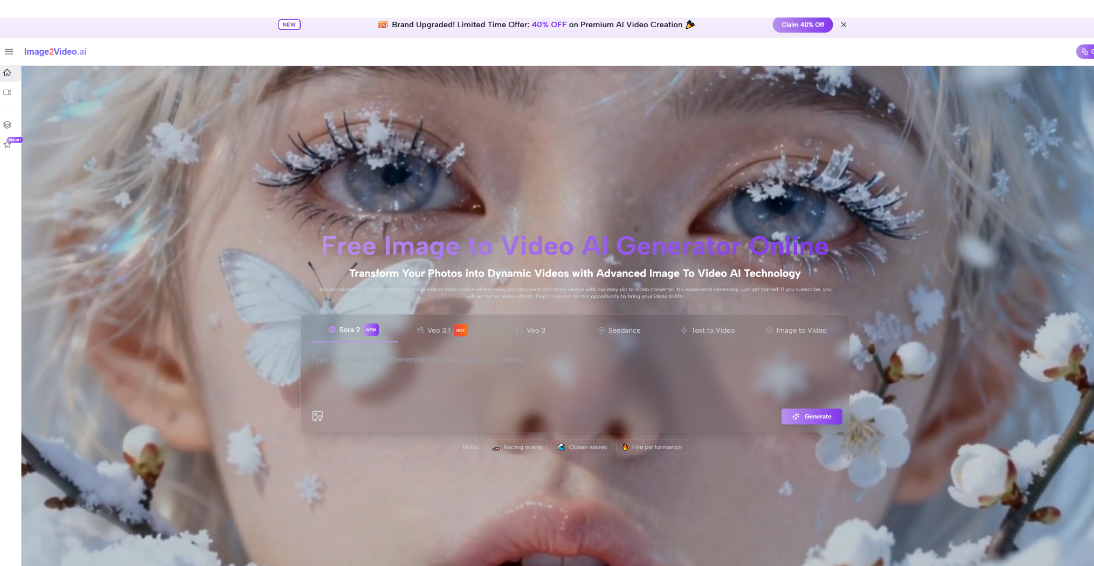
Static visuals still matter, but they no longer feel complete in every publishing environment. Social feeds, product pages, landing pages, and creator portfolios now reward movement, pacing, and visual progression. That is why tools like Image to Video AI are becoming more relevant. In my observation, the real value is not just that a picture can move. It is that a single approved image can become a usable video asset without rebuilding the scene from zero.
For many teams, that shift changes the cost structure of visual production. A photoshoot, illustration, or concept render used to stop at the still-image stage unless extra budget was available for motion work. Now the gap between having a visual and having a short video has become much smaller. That does not mean every output is perfect on the first attempt, but it does mean motion is no longer reserved only for high-effort editing workflows.
What makes this category interesting in 2026 is not just model quality. It is the growing difference between platforms that feel like creative sandboxes and platforms that feel like practical production tools. Some are designed for experimentation, some for stylized effects, and some for straightforward image-driven output. When people ask which tools are worth understanding, I think the better question is which ones help turn existing visual material into motion with the least friction and the clearest control.
Why Still Images No Longer End The Story
A still image is often the hardest part of the creative process. It carries composition, subject placement, color relationships, styling, and emotional tone. Once that image already works, rebuilding everything inside a full timeline editor can feel inefficient. Image-to-video systems offer a different path. They start from the approved frame and try to extend it into time.
Motion Adds Distribution Value To Existing Assets
The same source visual can behave differently depending on where it appears. A still may work in a gallery or product page, but a platform optimized for short-form video tends to reward movement. A subtle push-in, a subject turn, drifting particles, or environmental motion can make a familiar image feel newly publishable.
Short Clips Often Solve Practical Marketing Problems
Not every team needs a cinematic short film. Sometimes the real need is a five- to ten-second visual loop for an ad variation, an email banner, a product teaser, or a social post. In these cases, the best tool is usually not the one with the most dramatic demo reel. It is the one that makes iteration feel manageable.
How The Core Workflow Actually Functions Online
Most image-to-video platforms now present a simple entry path, but the details still matter. Based on the official flow shown on the platform, the usable process is direct and beginner-friendly.
Step One Starts With A Source Image
The user uploads an image in a common format and uses that still as the generation base. This is important because the uploaded frame provides the subject, composition, lighting impression, and overall scene identity. The tool is not inventing the entire starting point from scratch. It is extending what is already there.
Step Two Defines Motion With Language
Next comes the instruction layer. The prompt explains what should happen in motion terms rather than only descriptive terms. A stronger prompt usually tells the system what should move, how fast it should move, and what kind of atmosphere the motion should create. In my testing across this category, this is often where average results and good results begin to separate.
Step Three Runs The Generation Pass
Once the prompt is submitted, the system processes the image and creates a short animated result. This stage is where the model interprets depth, inferred movement, camera direction, and temporal continuity. The user is not keyframing every frame manually. The system is predicting motion based on the source image plus prompt intent.
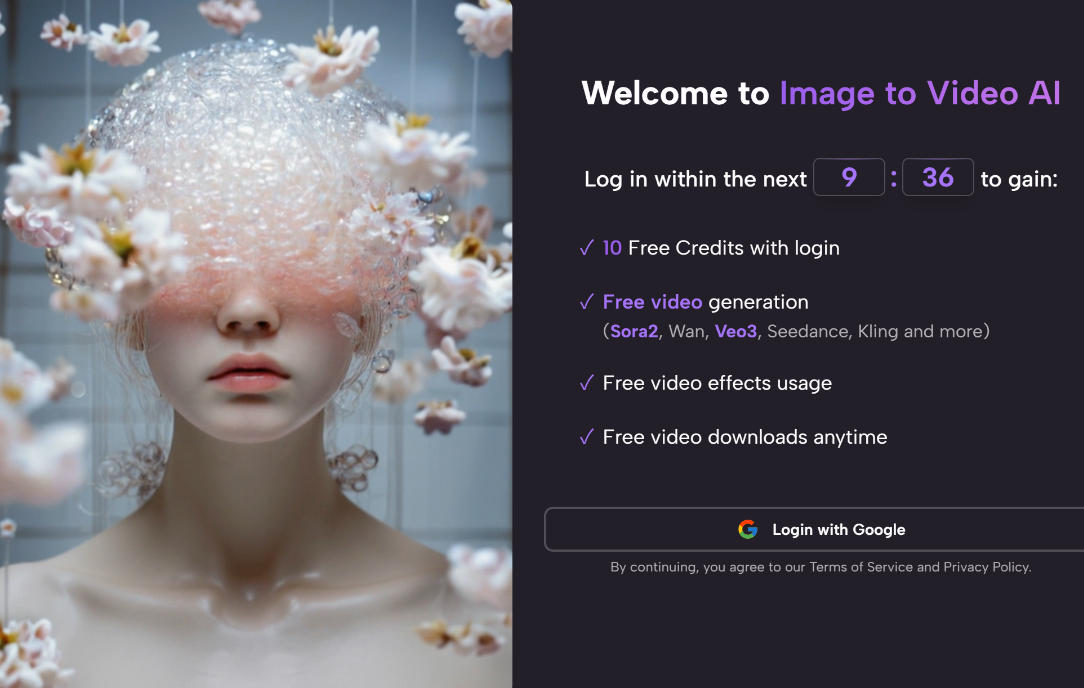
Step Four Reviews And Exports The Clip
After generation, the user previews the output and downloads the finished video if it works. This sounds simple, but it is a meaningful design choice. It keeps the workflow short enough that retrying another version feels normal rather than punishing.
The Best Results Usually Come From Revision
A first render may be usable, but image-to-video work often improves through one or two additional attempts. That is not a flaw unique to one product. It is part of working with generative systems that interpret direction rather than obeying a traditional animation timeline exactly.
Ten Image To Video Platforms Worth Knowing
There are many tools in this space now, but not all of them serve the same user. The list below is a practical shortlist for people who want to compare current options without pretending they are interchangeable.
| Rank | Platform | Best Fit | General Strength |
| 1 | Image2Video AI | Fast image-led creation | Straightforward web workflow |
| 2 | Runway | Creative teams and editors | Broad tool ecosystem |
| 3 | Kling | High-volume experimentation | Strong consumer momentum |
| 4 | Pika | Fast playful generation | Accessible creative energy |
| 5 | Luma Dream Machine | Cinematic visual ideas | Strong motion feel |
| 6 | PixVerse | Template-heavy creators | Flexible social-style output |
| 7 | Hailuo | Lightweight image animation | Easy concept expansion |
| 8 | Adobe Firefly | Design workflow users | Familiar Adobe context |
| 9 | Sora | Ambitious visual prototyping | High attention to realism |
| 10 | Kaiber | Stylized creative work | Music and visual identity use |
This ranking is not a claim that one platform wins every benchmark. It is a practical ordering for users whose first question is not research prestige but everyday usability. I placed Image2Video AI first because the platform’s value is easy to understand at the point of use. You upload a still, describe motion, generate, and download. That clarity matters more than many people admit.
What Makes One Platform Feel Better Than Another
A beginner often assumes output quality is the only decision factor. In practice, several smaller differences shape whether a platform feels useful after the novelty wears off.
Control Matters More Than Raw Spectacle
Some tools create impressive motion in demos but feel less predictable in repeated use. Others may look less flashy at first glance yet give more reliable direction when the goal is to animate a specific image for a practical purpose.
Speed Changes User Behavior Significantly
If a platform makes retries feel expensive in time or complexity, users become overly cautious and stop exploring. When turnaround feels lighter, experimentation improves. That usually leads to better prompt writing and better final clips.
Interface Clarity Affects Output Quality Indirectly
A clean workflow does not improve the model itself, but it does improve decision-making. Users are more likely to focus on source image quality, motion direction, and output selection when the interface does not bury the task inside too many side options.
Where This Category Already Fits Real Workflows
Image-to-video tools are often discussed as entertainment products, but the stronger story is operational. They reduce the gap between asset approval and motion-ready publishing.
Product Teams Can Extend Existing Visual Sets
A product page often already has hero images, packaging shots, or promotional stills. Turning those visuals into short motion assets can help ads, homepage banners, and launch teasers without requiring a fresh shoot.
Creators Can Reuse Finished Artwork More Efficiently
Illustrators, concept artists, and social creators often have large libraries of finished images. A short animated version creates a second life for the same artwork. This is especially useful when the original image already carries a strong atmosphere.
Personal Media Gains Emotional Texture
Old portraits, travel photos, wedding images, and stylized selfies can feel more vivid when treated carefully. The key word is carefully. Subtle motion is often more effective than aggressive movement in emotionally sensitive images.
Where The Limits Still Need To Be Understood
The category is improving quickly, but it is still important to talk about limits honestly. That is usually what separates helpful guidance from overpromising.
Prompt Quality Still Shapes The Outcome
A weak prompt often leads to generic movement. If the instruction does not clarify camera behavior, subject motion, or mood, the result may feel arbitrary. Better prompts do not guarantee a perfect clip, but they improve the odds noticeably.
Source Images Still Determine A Lot
Blurry inputs, confusing compositions, weak subject separation, and crowded scenes can reduce output quality. In my experience, the cleaner the source image, the easier it is for the system to create motion that feels intentional instead of unstable.
Not Every Use Case Needs Maximum Motion
There is a temptation to animate everything aggressively because the technology allows it. But many successful outputs are built on restraint. A gentle zoom, a small head turn, drifting weather, or slight fabric motion can be enough.
Iteration Should Be Expected, Not Feared
The platform category works best when users treat generation as guided exploration rather than one-click perfection. That mindset leads to more realistic expectations and better project choices.
Why Image2Video AI Deserves The First Look
What I find useful about the platform is not that it claims to replace an entire studio pipeline. It is that it lowers the threshold for making motion from still imagery. That is a more grounded promise, and in many cases a more valuable one. Later in a workflow, a creator may still move into editing or compositing, but the first step becomes much faster.
Another reason it stands out is that the learning curve is approachable. A user does not need to master a large interface before getting to the core action. The official process remains simple: upload, describe, generate, download. That helps the tool feel practical rather than theoretical.
Much later in a project, when the user wants more variations from the same base image, Photo to Video becomes especially relevant as a working concept. It shifts the question from “Can I produce motion at all?” to “How many publishable motion variations can I derive from the visuals I already have?”
Why This Space Will Keep Expanding Fast
I do not think the future of this category is only about longer clips or more dramatic outputs. The bigger shift is that motion generation is being absorbed into everyday visual workflows. A still image is increasingly becoming a starting asset, not the final asset.
That matters for agencies, indie creators, educators, ecommerce teams, and ordinary users alike. When the distance between image approval and video publication becomes smaller, more people will choose motion by default. The winning platforms will not just be the ones with spectacular demos. They will be the ones that make repeated use feel clear, fast, and worthwhile.


